eternalcore
1 min read
Broadcast
Learn how to use the `/broadcast` command to send messages to all players on your Minecraft server.
Learn how to use the `/broadcast` command to send messages to all players on your Minecraft server.
Check out the Commands & Permissions page for a full list of commands and permissions.
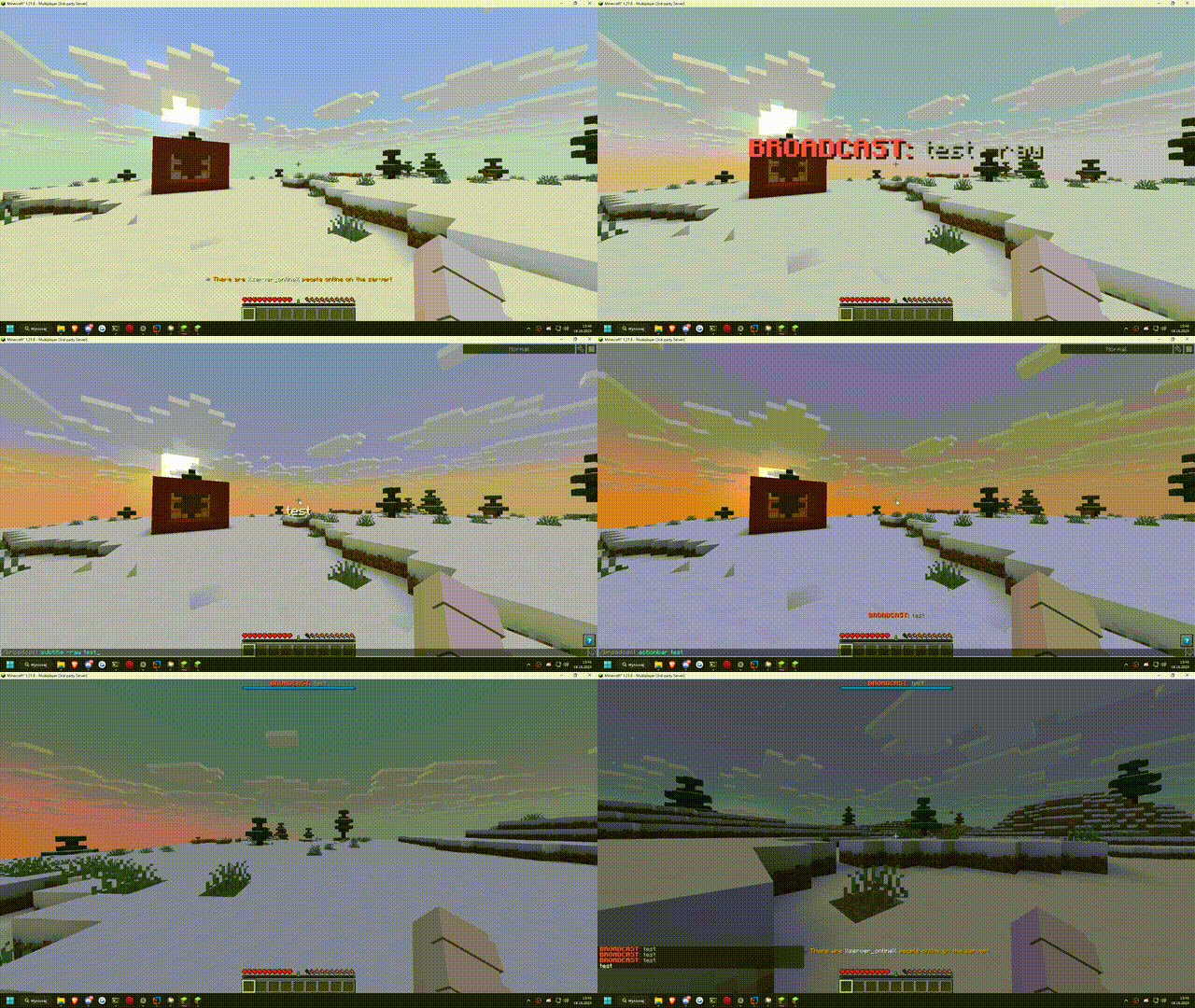
The /broadcast command allows you to send messages to all players on your server. This is useful for making announcements, sharing important information, or simply communicating with everyone at once.
You can use color codes and MiniMessage formatting in your broadcast messages to make them more visually appealing. Try out our notification generator
/broadcast [actionbar/title/subtitle/bossbar] [time] [-raw] <message>
If you do not specify the [actionbar/title/subtitle/bossbar] argument, the message will be sent as a standard chat message.